Videoland 4000: a retro arcade game with Phaser and Blazor WebAssembly
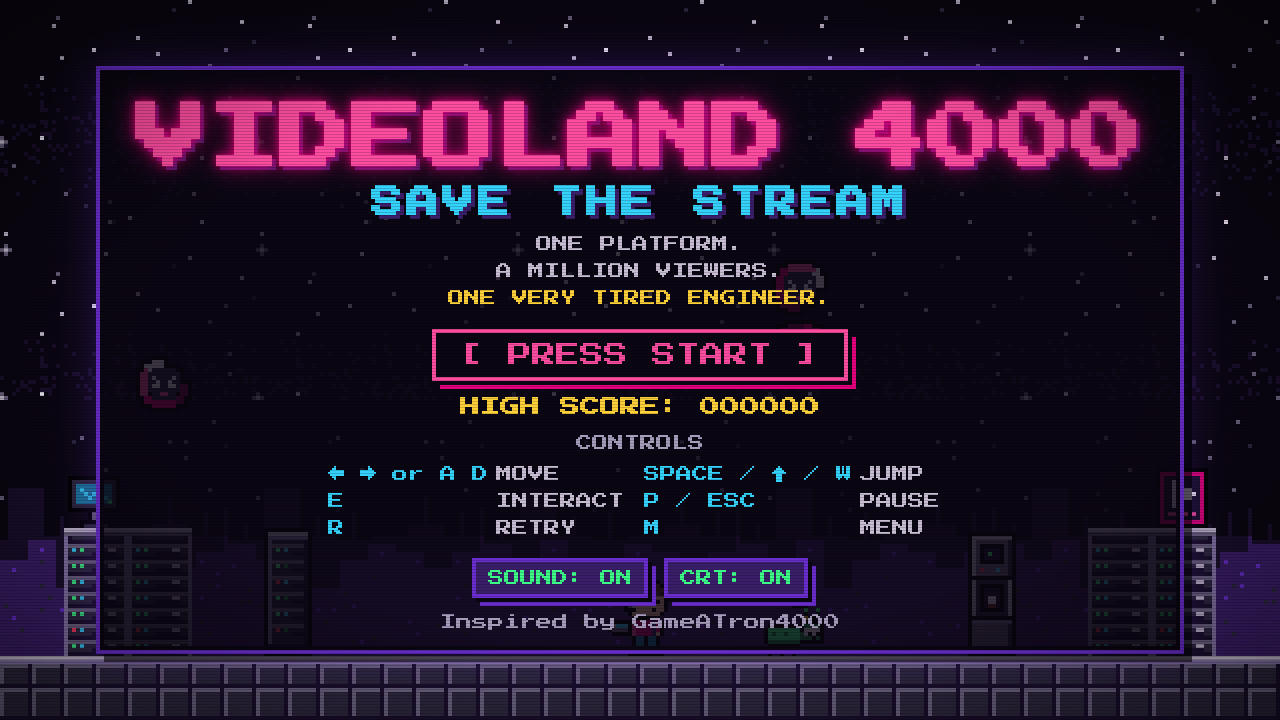
I recently shared a side project on LinkedIn: VIDEOLAND 4000: SAVE THE STREAM, a retro 1980s arcade platformer that runs in the browser. It mixes nostalgia, coding and a bit of Videoland spirit, and I built it for my colleagues.
- Play it: videoland-game.1saeed.dev
- Source code: github.com/1saeedsalehi/vl-4000-game
It is Friday evening, prime time is approaching, and an entirely fictional streaming platform is falling apart. Expired tokens are escaping into production, buffering spinners are multiplying and authentication is failing. You are a tiny pixel-art engineer with a laptop. Collect valid tokens, repair the authentication terminal, reach the exit and defeat The Infinite Loading Spinner before the weekend is cancelled.
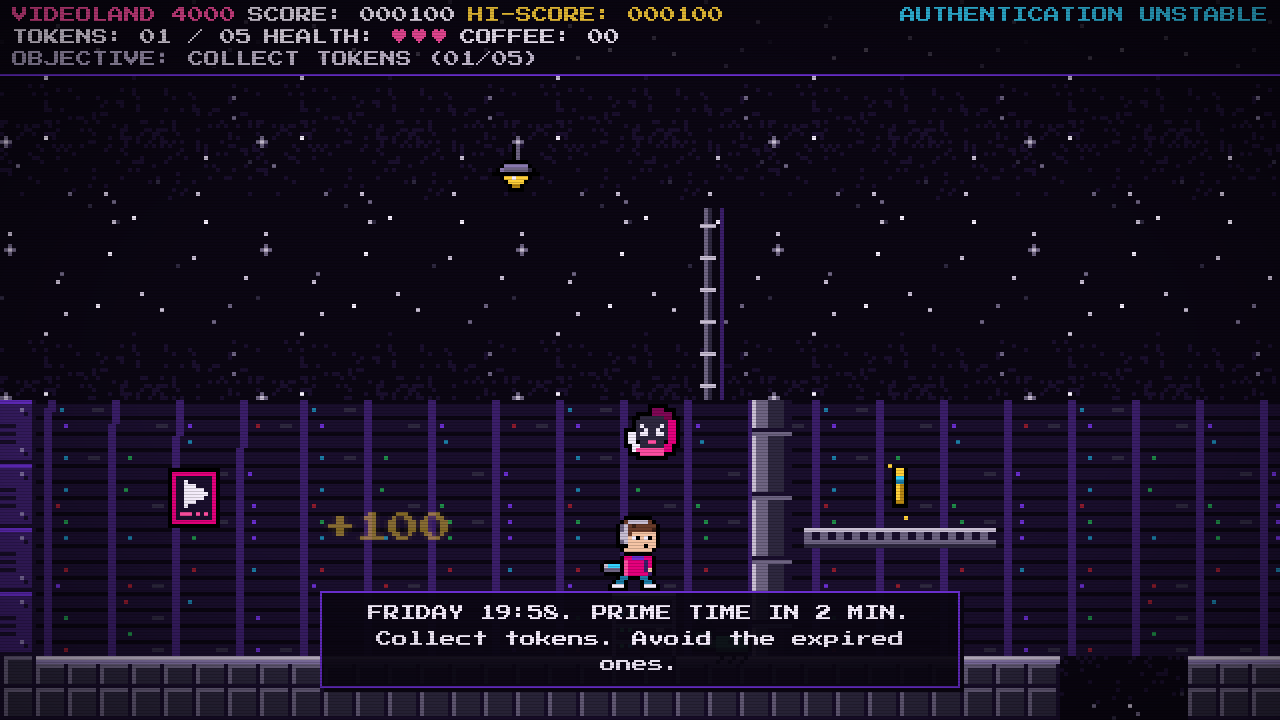 Level 1: The Login Dungeon
The game is fan-made and fictional. The interesting part is the stack: a Blazor WebAssembly app with a pure C# game simulation and a Phaser 3 renderer. This post is about what I learned from that combination.
Why Blazor WebAssembly and Phaser?
I am a .NET developer and I wanted the game logic, the physics, enemies, scoring and state machine, in C# with real unit tests. Blazor WebAssembly runs .NET in the browser, so that part was easy.
Blazor is not a game engine though. Pushing sprites through the DOM sixty times per second is a bad idea. Phaser 3 is a mature 2D engine with a WebGL renderer, texture atlases, a camera and a pixelArt mode that keeps chunky pixels crisp. So the split became: C# owns the simulation, Phaser owns the pixels.
The architecture
1
2
3
4
src/Core              pure C#: state machine, fixed-step physics, entities, level parser, scoring
src/Infrastructure    Phaser bridge (JS interop), mediator, YAML repositories, localStorage
src/BlazorUI          Blazor WebAssembly host: HUD and menu components, CSS, JS, game content
src/Core.Tests        xUnit tests
Keeping Core free of Blazor and JavaScript was the best decision in the project. The xUnit tests cover physics, enemies, the boss fight and scoring, and they validate the real level files: every token, terminal and exit must be reachable with the actual jump physics. A level-design mistake fails the build instead of a colleague’s play session. Levels are ASCII tile maps in YAML, so fixing one means editing characters in a text file.
How Phaser and Blazor talk
Phaser drives the clock. Once per frame its update samples the held keys as a bit mask and makes one synchronous JS interop call into .NET, where the C# session advances the simulation and returns a FrameSnapshot: camera, sprites, labels and sound cues for that frame. Phaser then updates its game objects to match the snapshot and never calls back into .NET for anything else.
Blazor sits above both. The HUD and menus are regular Razor components that never see the snapshot. The C# session raises events such as HudChanged only when a value actually changes, so Blazor re-renders when the score changes, not sixty times per second.
Working with Phaser
Phaser was the easy part. It is a mature engine with good documentation, and I only needed a small slice of it: a texture atlas, a camera, the scale manager and the pixel-art mode that keeps chunky pixels crisp at any window size. I switched off its input and audio systems and let it do one thing, draw the frame that C# describes.
That dumb-renderer approach felt right from the start. The JavaScript stays small, there is no game logic to keep in sync across two languages, and when something looked wrong the question was always “what did C# put in the snapshot?”, which a unit test can answer.
The one real fight was a memory leak. In Phaser 3.55, destroying text objects leaves a listener behind, and floating “+100” popups come and go constantly. Pooling and reusing those objects fixed it. The lesson: check the issue tracker for the exact version you bundle, and measure memory early.
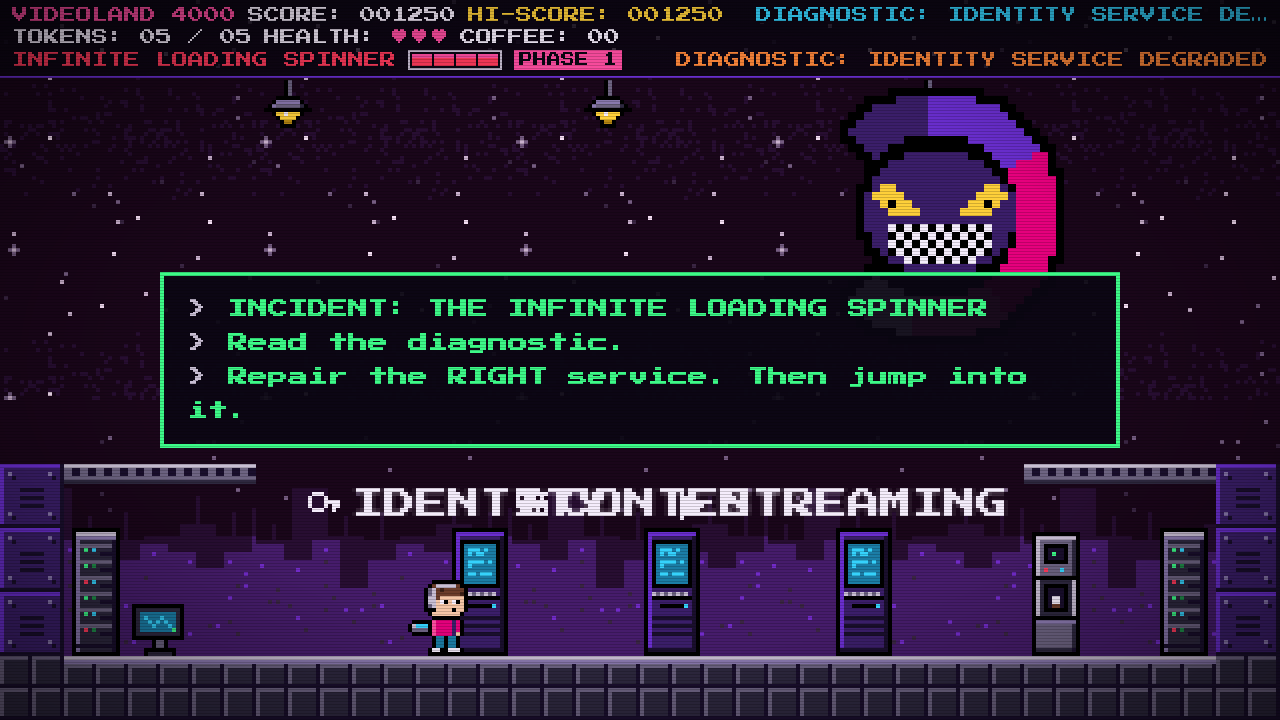 The final encounter. Read the diagnostic and repair the right service.
Working with WebAssembly
Writing the game in C# was a pleasure. The physics, enemies, boss and scoring are plain classes with xUnit tests, and the same code runs unchanged in the browser. Debugging a platformer with a test runner instead of a browser is a luxury I did not want to give up.
The price is the first load. The browser has to download the .NET runtime and the assemblies, a few megabytes, before anything appears. Later visits are cached, so I made the first one part of the theme: a “LOADING CARTRIDGE” screen while the runtime downloads, then a skippable VIDEOLAND SYSTEMS self-test. Nobody minds a retro boot sequence.
Deployments need care too. With .NET 10 every runtime file carries a content hash in its name, so a CDN can never serve an old runtime file next to a new one. It is not glamorous work, but a stale runtime file after a deploy breaks the whole game.
JS interop turned out to be cheap enough. One synchronous call per frame with a small JSON payload runs this game comfortably, as long as the snapshot stays small and does not allocate. Synchronous calls are only possible because WebAssembly runs .NET on the same thread as the page, and I came to appreciate that. I did not enable AOT compilation, the interpreter was fast enough, and a Playwright smoke test plays through the whole game on every build to make sure it stays that way.
Takeaways
- Keep the simulation pure. A C# core with no browser dependencies made the game testable, and the tests caught real level-design bugs.
- Let the engine be a renderer. Describing frames and reconciling by key was simpler than driving Phaser with commands.
- Design for the download. The .NET runtime is the real cost of Blazor WebAssembly. Fingerprint, cache aggressively, and make the wait part of the experience.
- Pool what Phaser leaks. Check the issue tracker for the version you bundle, and measure.
The architecture document in the repository is the single source of truth for the snapshot format, the input bits, the level legend and the sprite catalogue. And of course, go play it and let me know how high you can score.